1
Open registration
Open the registration link and register yourself as the team manager. Do not provide player data in this form.
Open Registration LinkOpen the registration link and register yourself as the team manager. Do not provide player data in this form.
Open Registration LinkUse a valid email address, enter your mobile number starting with 254, upload a clear photo, and select your team from the search field.
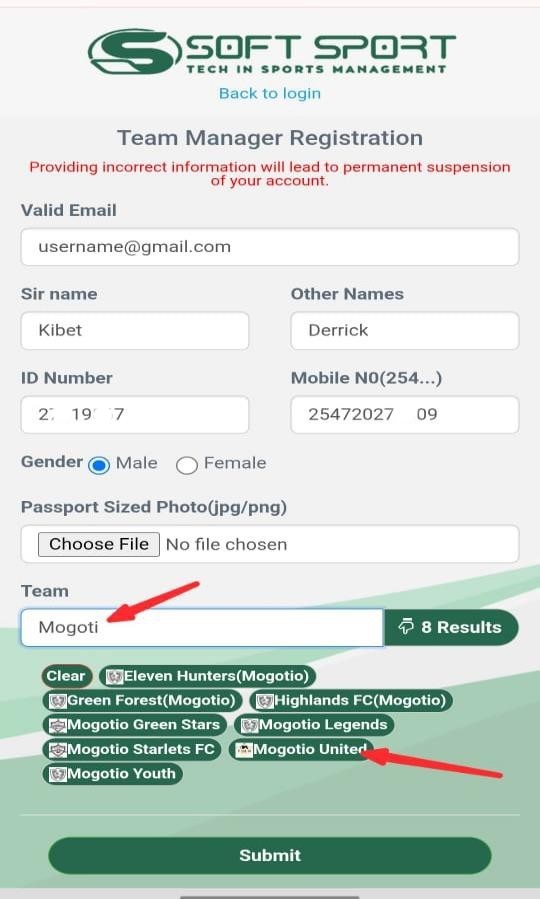
Submit the form and wait for approval. Approval usually takes not more than 2 hours, and instructions are sent by SMS.
Check your email for the password setup message, then visit the login page. Gmail users may also sign in with Google.
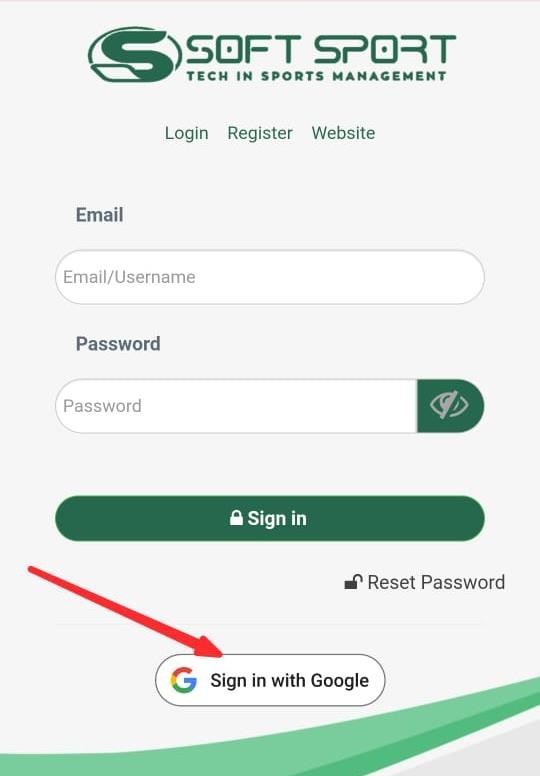 Go to Login Page
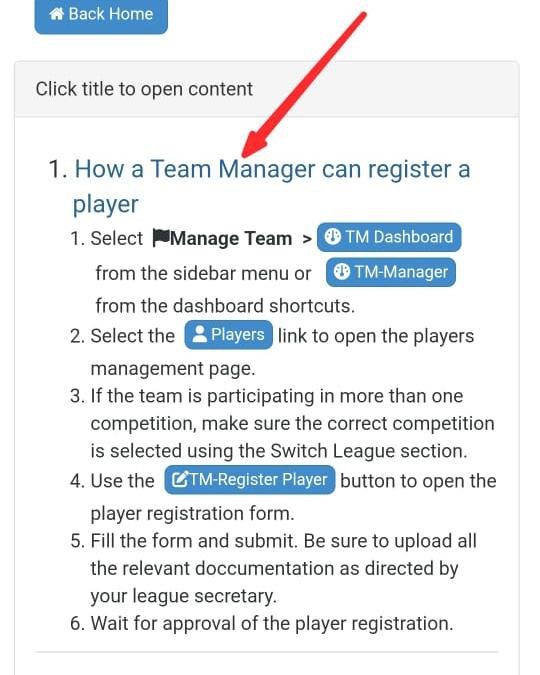
After logging in, visit the Help Section for instructions on how to register players.
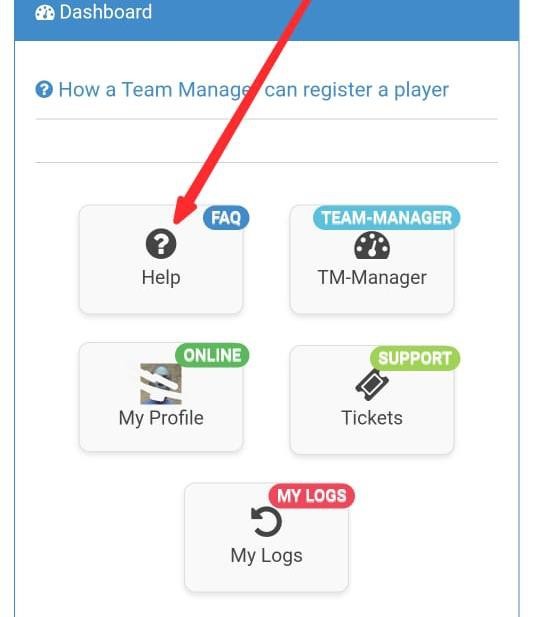
Follow the player registration instructions carefully, including eligibility rules and competition player limits.